Try It Now — Make Your First AI Avatar
Upload a portrait and audio to generate a lip-synced talking avatar video. No audio yet? Type a script and generate a voice right here, then create your avatar.
AI Avatar Examples — Real Talking Avatars
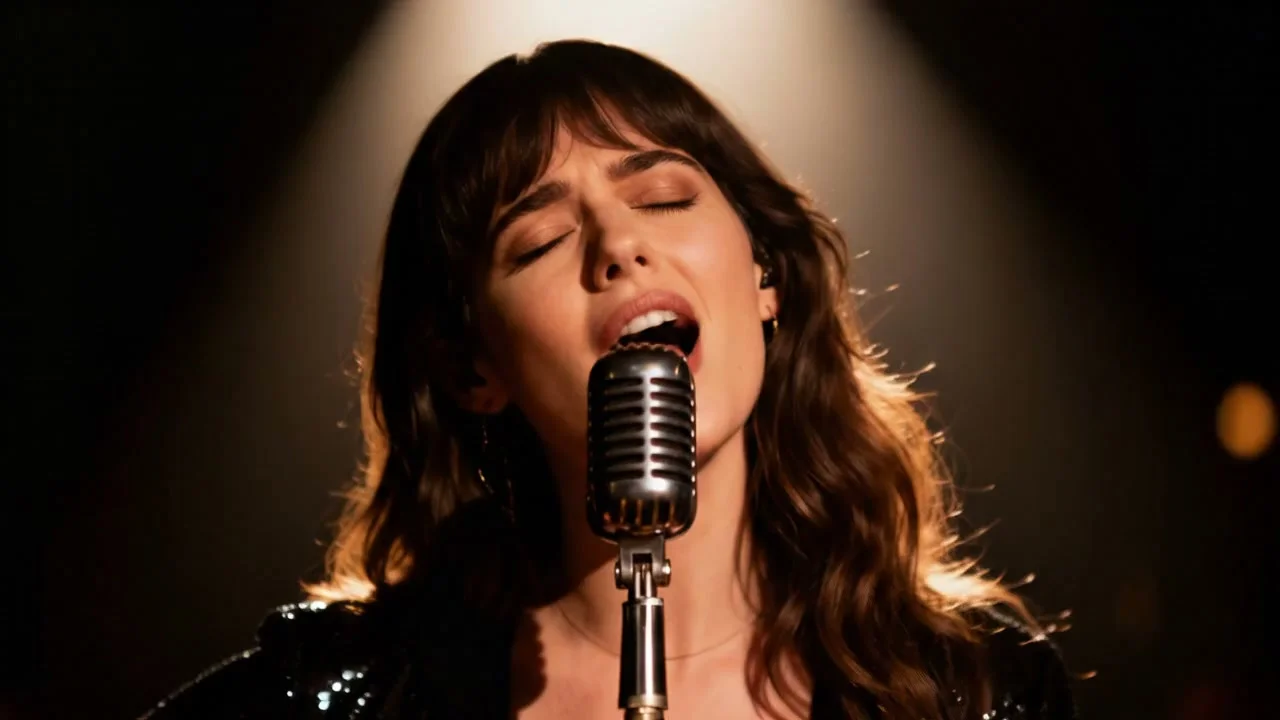
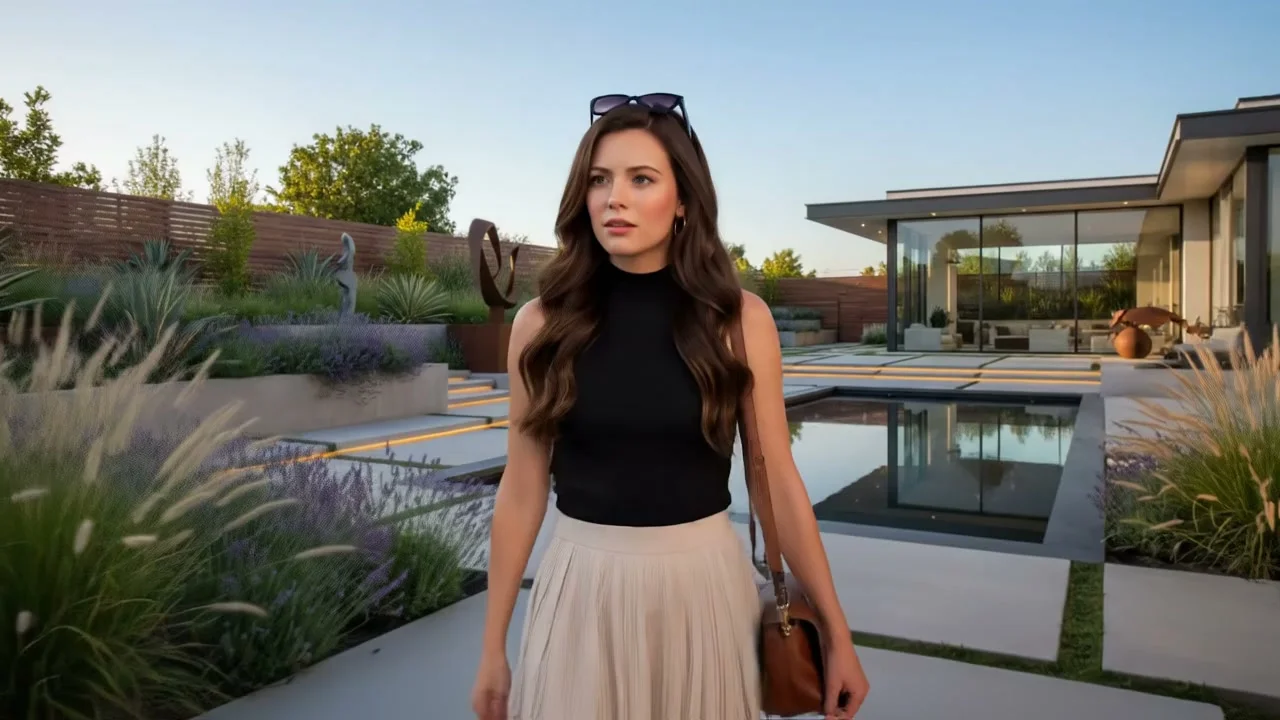
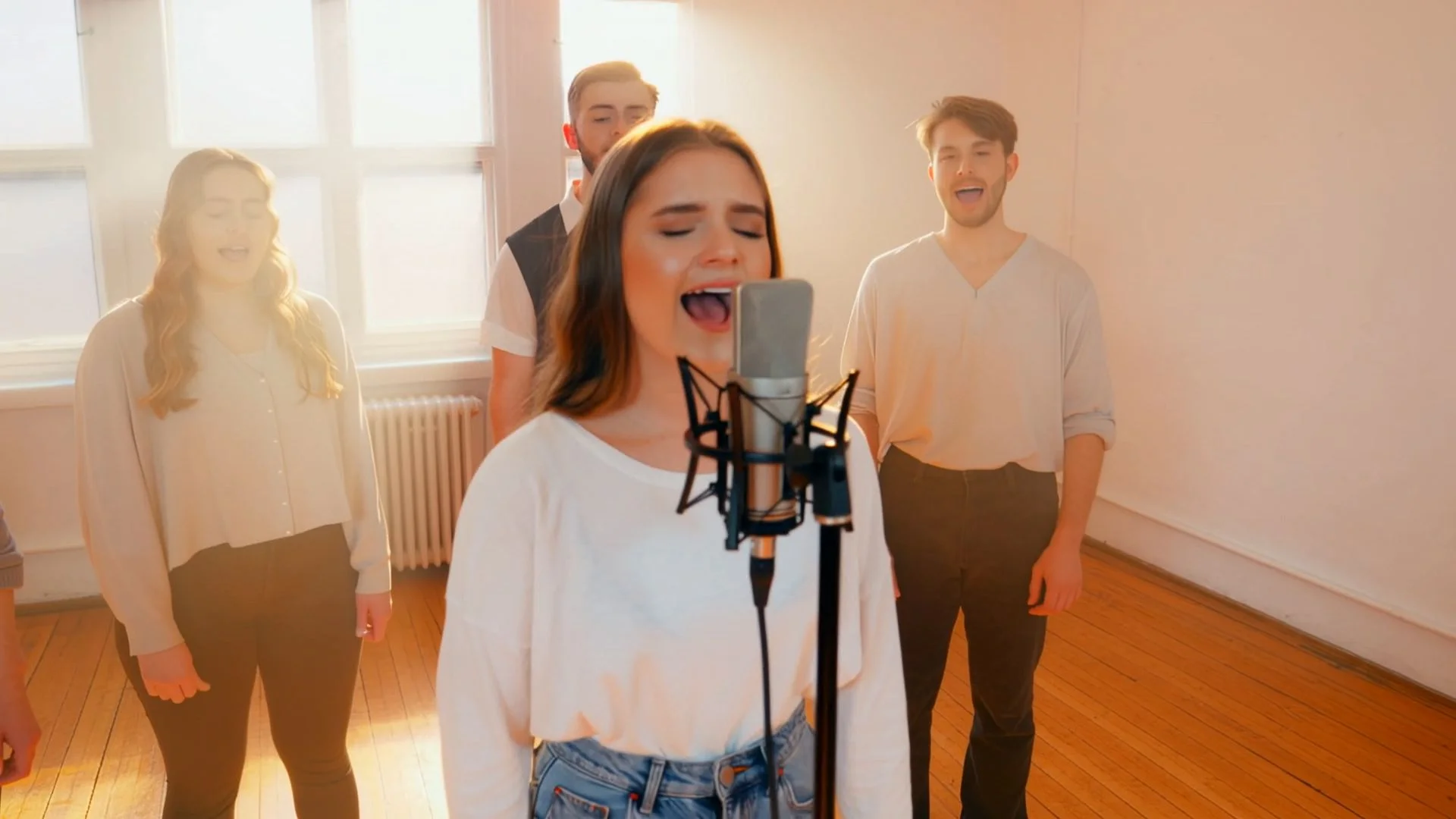
Browse talking avatar videos made from single photos on this platform. See the lip-sync quality and range of faces before you create your own AI avatar.


What Is an AI Avatar?
An AI avatar is a talking version of a person generated from a single still photo. You give the tool a portrait and an audio track, and it maps the speech sounds in that audio to matching mouth shapes, rendering them onto the face frame by frame. The result is a video where the person in the photo appears to speak your exact words — with no camera, no filming, and no on-screen presence needed. It works on real photos, headshots, brand characters, and illustrated faces alike.
You do not even need a recording to start. Type a script, pick a voice, and the built-in voice generator produces the audio for you — then the AI avatar turns it into a lip-synced video. Because the lip-sync reads the sounds in the audio rather than any single language, the same script can be voiced and re-voiced in different languages to produce multiple versions of one presenter, without ever picking up a microphone or re-filming a frame.
From a plain photo to a finished talking avatar, everything runs in the browser — no GPU, no install, no setup. Choose one of the ready-made character faces for a quick start, or upload your own. Add audio or generate a voice, pick a resolution, and download your AI avatar video in minutes.
Everything You Can Create with AI Avatar
Talking avatar videos from photos, cinematic AI video from text or images, and high-resolution AI images — one platform, one account, no equipment required.
Talking Avatar from a Photo
Upload a portrait photo and an audio file — or write a script and generate a voiceover with Text to Speech first — and get a lip-synced talking avatar video in minutes. Supports audio up to 5 minutes in MP3, WAV, AAC, M4A, or OGG format. Output in 720p or 1080p. No camera, no microphone, no studio required.
Create AI AvatarScript to Talking Video
No recording? Type a script, generate a voice in the built-in Text to Speech tool, and turn it into a lip-synced AI avatar — start to finish from text, with no microphone. Ideal for faceless videos and multilingual versions of the same presenter.
Generate a VoiceCelebrity & Character Faces
Start from a ready-made character face in one click, or upload a portrait you own or are authorized to use. Real photos, brand mascots, and illustrated faces all work — pair a face with a voice and make it talk. Obtain consent before using a recognizable person's likeness.
Pick a FaceWhy Creators and Teams Choose This AI Avatar Generator
One tool takes you from a still photo to a finished talking video — no camera, no recording booth, no editing timeline.
A Talking Avatar from Any Photo
Drop in a portrait you own or are authorized to use — a selfie, a headshot, a brand mascot, or an illustrated face — pair it with audio, and get a lip-synced talking avatar. The AI matches every speech sound to the right mouth shape and renders it frame by frame, so the face moves naturally on any style of image.
Script to Talking Video, No Mic Required
Skip the recording step entirely. Type a script, generate a voice inside the same tool, and turn it into a lip-synced avatar — start to finish, without a microphone or an audio editor. Great for creators who want a talking video from text alone.
Built for Content at Scale
Onboarding clips, product explainers, sales videos, faceless YouTube channels, multilingual marketing — an AI avatar makes them fast to produce and easy to update. Change the script and re-generate; no re-shoot, no re-booking, no talent scheduling.
Speak in Any Language
Generate a voiceover in English, Spanish, Mandarin, French, Japanese and more, and the avatar lip-syncs to that language's sounds. Produce the same explainer or lesson in several languages from one photo, without hiring a voice actor for each.
Runs in Your Browser — No Install, No GPU
Everything happens in the browser: no software to download, no graphics card to rent, no production setup. Upload a photo, add or generate audio, and your talking avatar video is ready to download in minutes. Commercial, watermark-free output is available on paid plans.
How to Make an AI Avatar — 3 Steps
From a photo and a script to a finished talking avatar video — with no recording gear at any step.
Pick or Upload a Face
Start from a ready-made character face, or upload your own clear, front-facing portrait — a selfie, headshot, mascot, or illustration. Even lighting and an unobstructed mouth give the sharpest lip-sync. Real and illustrated faces both work.
Add a Voice
Upload an audio file of what your avatar should say, or type a script and generate a voice right in the tool — no microphone needed. The AI reads the sounds in the audio and renders matching mouth movement for every word.
Generate and Download
Your talking avatar video is ready in a few minutes. Preview it, then download an MP4 — watermark-free and cleared for commercial use on paid plans, provided you have the necessary rights to the photo and other source material.
AI Avatar — Frequently Asked Questions
What an AI avatar is, how to make one from a photo, and how to get started.
An AI avatar is a talking video of a person generated from a single photo. You provide a portrait and an audio track, and the AI maps the speech sounds in the audio to matching mouth shapes, rendering them onto the face so the person appears to speak your words. Nothing is filmed — the movement is generated. AI avatars are used for training, explainers, sales videos, multilingual content, and social posts wherever a consistent on-screen presence is needed without a camera.
Pick a ready-made character face or upload your own clear, front-facing portrait, then add a voice — either upload an audio file or type a script and generate one in the tool. The AI renders lip-synced mouth movement onto the face frame by frame and returns a talking video. Choose 720p or 1080p and download the result, usually within a few minutes.
No. You supply a photo instead of filming, and you can generate the voice from a typed script instead of recording, so no camera, microphone, or studio is involved at any point. The whole path from text to talking video happens on screen — no recording gear and no editing software required.
Yes, when you have the right or permission to use the face. The tool includes ready-made character faces you can pick with one click, and you can upload a portrait you own or are authorized to use. Pair it with a voice and script to generate a talking avatar. For recognizable real people, obtain the required consent and follow applicable likeness, privacy, and platform rules.
Create your talking avatar with a vertically framed portrait so the result fits naturally into a Shorts workflow, then prepare it in a vertical layout for publishing if needed. Because the voice can be generated from a script, you can run a faceless channel entirely from written text — write, generate a voice, produce the avatar, and post. No camera setup and no existing channel are needed to use this tool.
Yes. Type your script and the built-in voice generator produces a natural-sounding voiceover in a range of voices and languages, with no microphone or recording session. That generated audio becomes the input for your avatar, so the entire workflow runs from written text to finished talking video in one place.
A clear, front-facing portrait with even lighting and an unobstructed mouth gives the most accurate lip-sync. Selfies, professional headshots, brand mascots, and illustrated faces all work. Side profiles or faces partly covered around the mouth produce weaker results. The face does not have to be a real person — stylized and illustrated faces are supported.
Yes. You can sign up and start making AI avatar videos at no cost, with no credit card to begin. Free output carries a watermark; watermark-free video cleared for commercial use is available on paid plans. There is nothing to install — it all runs in your browser.
Yes. The lip-sync reads the sounds in your audio rather than a specific language, so it syncs accurately to any spoken language. Generate or upload a voiceover in English, Spanish, Mandarin, French, Japanese, Korean, and more, and produce the same video in several languages from one photo — no re-filming and no separate voice talent per language.
Yes. Videos made on paid plans come with commercial usage rights and no extra platform licensing fees — watermark-free and ready for YouTube, ads, client work, training platforms, and marketing, with no platform attribution required. You must still own or have commercial permission for every uploaded photo, recognizable likeness, script, brand, and other source material. Free-plan videos include a watermark and are not cleared for commercial use.
Make Your AI Avatar — No Camera Required
Upload a portrait and audio — or type a script and generate a voice first — to create a lip-synced talking AI avatar in minutes. No camera, no microphone, no studio, no editing.